ChatGPT Memory vs Claude Memory: What Each One Remembers
ChatGPT and Claude both remember you, but differently, and neither follows you elsewhere. Here's what each one stores and where it stops.
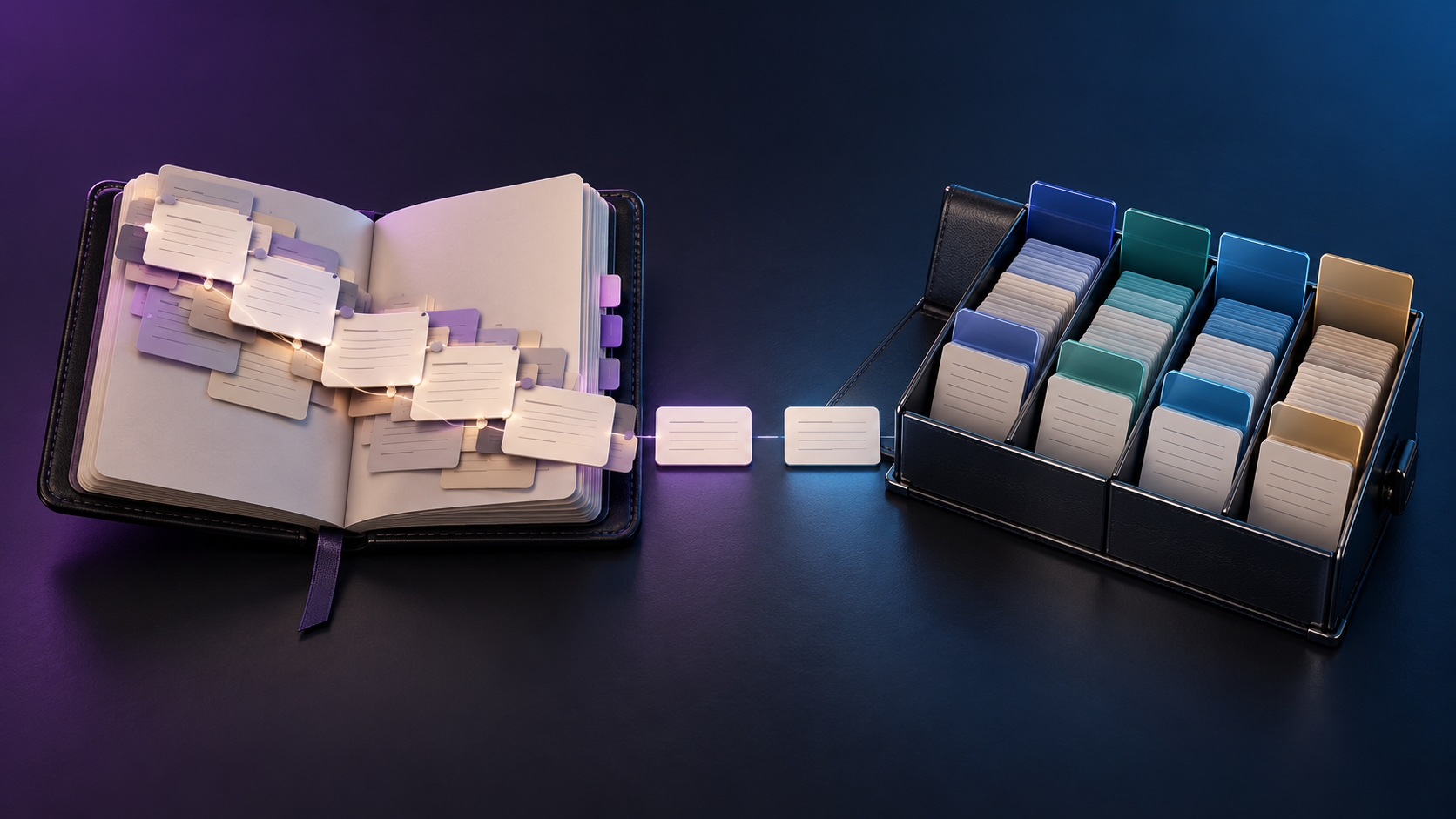
Memory is the feature that changed how personal an AI assistant feels. Instead of starting every conversation from zero, the assistant carries something forward: your job, your preferences, the project you've been working on for weeks. ChatGPT and Claude both now offer it, but they arrived at it by different routes, and the differences affect what each one actually remembers, how much control you have over it, and what happens when you want to use more than one assistant.
One caution before getting into specifics. Both companies have changed their memory features repeatedly over the past year, and published comparisons often contradict each other on details because they were written at different moments. The broad shape described below is consistent across recent sources, but the exact settings and limits are worth confirming in each app before you rely on them.
How ChatGPT memory works
ChatGPT's memory has two layers. The first is explicit: things you ask it to remember, or that it saves from a conversation as a stored fact. The second is implicit: the ability to draw on patterns from your past chats without you having saved anything deliberately. Together they let ChatGPT build up a working picture of you over time, including your role, your preferences, recurring projects, and how you like answers formatted, with very little setup required. It's on by default for most users, and you can view what's stored, delete individual items, or turn the feature off entirely. A Temporary Chat mode exists for conversations you don't want to feed into memory at all.
The appeal is frictionless continuity. You don't have to maintain anything, and over weeks of use the assistant simply gets more tailored to you. The tradeoff is that automatic accumulation can drift. Facts picked up in one context show up in another, older details linger after they've stopped being true, and the more it collects, the harder it becomes to audit what it actually believes about you.
How Claude memory works
Claude took a more deliberate path. For a long time its memory lived primarily inside Projects: you created a project, added the context that mattered, and Claude used it within that project only, with no memory of you between unrelated conversations. In early 2026 Anthropic added automatic cross-conversation memory across its plans, so Claude now also builds context from your chats, presented as a summary you can view and edit in settings.
The distinctive feature is the project boundary. Each Claude project keeps its own separate memory space, apart from general chat memory, so details from client work don't bleed into an unrelated personal conversation. Reporting on more recent changes also describes sensitive categories, such as health, being excluded from what Claude remembers unless you opt in, though this is an area changing quickly and worth checking against Anthropic's current documentation. The overall philosophy is more compartmentalized and more inspectable than ChatGPT's, at the cost of a bit more structure to manage.
What about the ChatGPT memory limit?
People searching for a ChatGPT memory limit are usually asking one of two different questions, and it helps to separate them. The first is capacity: how much can it store? Here the honest answer is that published figures disagree. Older sources describe a fixed, fairly small allotment of saved memories, while newer descriptions of the chat-history layer suggest it isn't bound by the same ceiling. Because OpenAI has restructured memory more than once, any specific number quoted in an article, this one included, may be out of date, and the reliable way to find your current limit is to check the memory settings in the app, where it will tell you when storage is full.
The second question is more important in practice: how well does it use what it has stored? A large pile of remembered facts isn't automatically useful. Stale entries, contradictory entries, and entries from unrelated contexts all dilute the signal. For most people, the practical limit isn't a storage cap but the point at which the accumulated memory has become messy enough that pruning it becomes necessary.
The limit both share
Strip away the differences and the two systems have one important limit in common. Each assistant's memory stays inside its own walls. ChatGPT's memory is invisible to Claude, Claude's is invisible to ChatGPT, and neither one carries over to Gemini or anywhere else. There have been moves toward one-time import tools between platforms, which helps at the moment of switching, but it's a transfer of a snapshot rather than a shared, living memory.
For someone who uses a single assistant, that's a minor point. For anyone who uses more than one, which is increasingly common, it means maintaining separate, drifting versions of the same personal context in separate places, and re-teaching each assistant the same things independently. That duplicated effort is easy to underestimate until you're doing it.
Which approach fits you
If you want an assistant that adapts to you passively and you're happy to prune occasionally, ChatGPT's automatic approach is the lower-effort option. If you work across distinct clients or projects and want hard boundaries between them, plus a clearer view of what the assistant knows, Claude's project-scoped structure is the better fit. Neither is simply better. They optimize for different habits.
Where Kahlo fits into this
Kahlo's memory is built around the limit both of these share. Rather than living inside one company's assistant, memory in Kahlo is a single layer that sits across every model in the workspace, more than 50 models from 14 labs. What you've told it about your preferences, your projects, and the way you like things done is available whether you're working with Claude, GPT, Gemini, or anything else, so switching models doesn't mean re-teaching a new assistant from scratch.
It's also stored as individual entries you can see and edit, each labeled with where it came from, with a record of which models have read it. That addresses the other half of the problem described above: not just where memory lives, but whether you can trust it. A stale or wrong entry can be corrected in one place, and the fix applies everywhere, instead of being chased through several separate, drifting memories in separate apps.